

 1-844-795-8324


Accessibyte Studio
- $69500 $695.00

One Easy App Does It All
Accessibyte Studio brings everyday computer tools together into a single, user-friendly, accessible Windows desktop application.
No clutter, no complication—just what you need, how you need it.
Streamline Your Digital World
Accessibyte Studio provides easy access to the apps you need—all in a single, unified workspace.
Designed for Simplicity,
Built for Accessibility.
With a focus on accessibility and ease of use, Accessibyte Studio offers an experience that works for you.
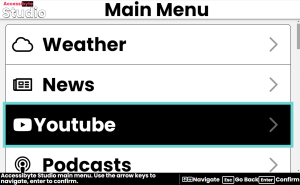
Intuitive Navigation
Use just a few keys—Up, Down, Enter and Escape—to move through the app, making it effortless for users of all ages and skill levels.
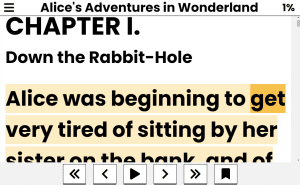
Distraction-Free Environment
Our clean, streamlined design is free of clutter. Ensuring you stay on task and can focus on what matters.
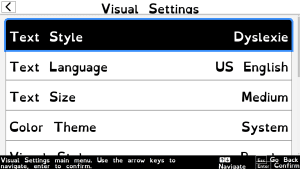
Inclusive Design for All
Let our built-in voicing and visual enhancements guide you every step of the way—no more struggling with complex tools. Accessibyte Studio is also fully compatible with your favorite screen readers and external assistive technologies.
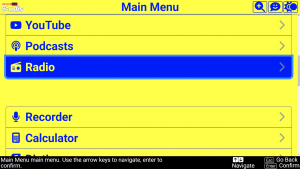
Customizable Experience
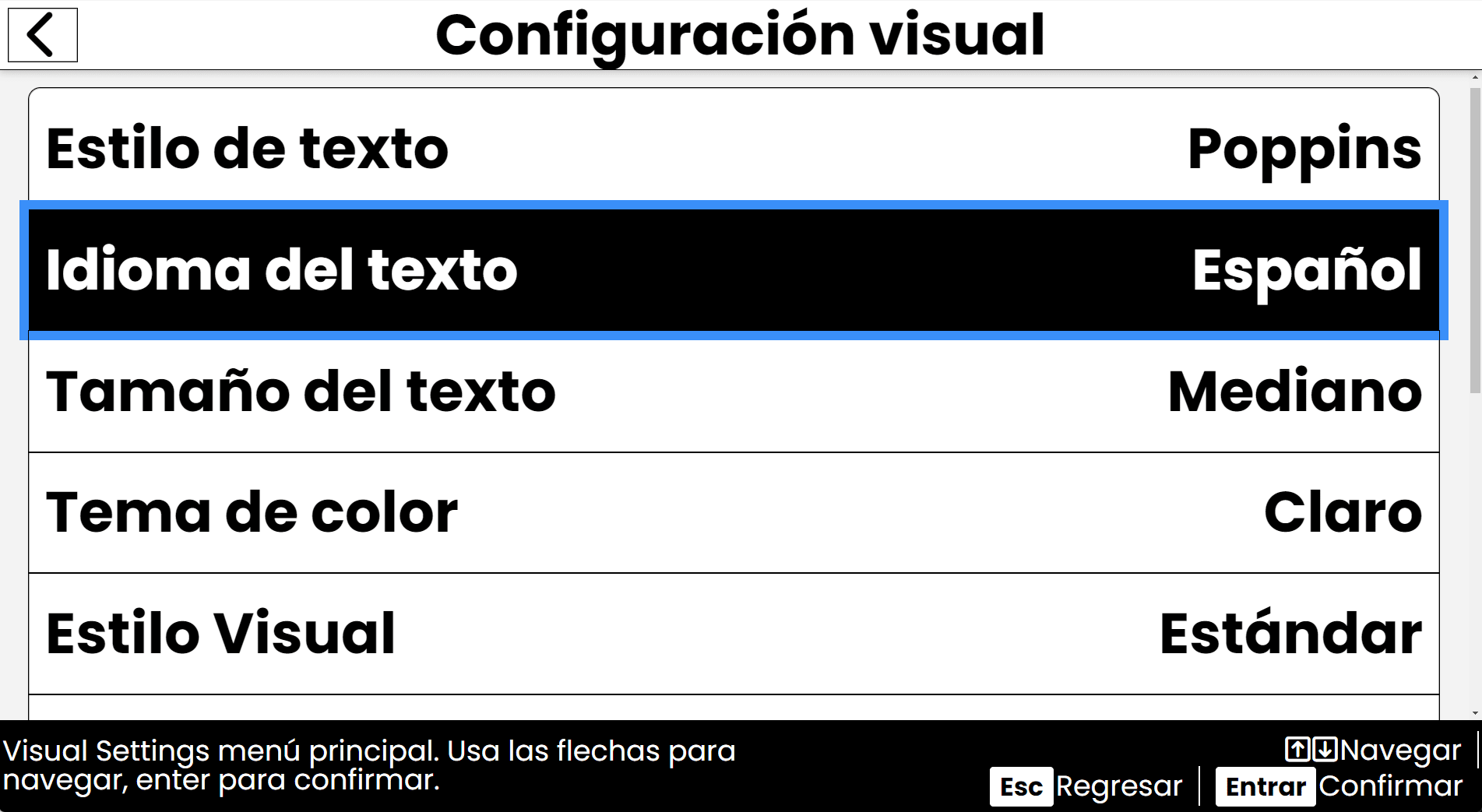
Tailor text size, color and style to suit your personal needs. The same goes for other visual and audible settings. Our platform adapts to the user—be it for classroom learning, home productivity or professional use.
The Versatile Companion for Every User
Accessibyte Studio isn’t just an app—it’s your accessible digital companion, designed to evolve with your needs, whether you’re new to computers or an experienced power user.
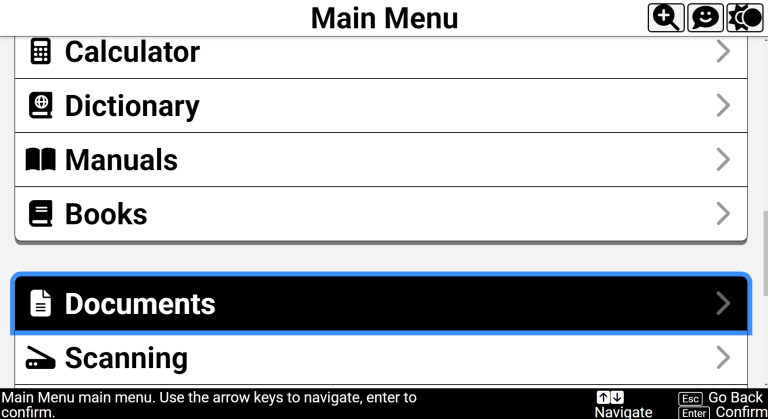
Easy All-In-One Platform
A simple platform with built-in accessibility for those who want a single app that handles everything.
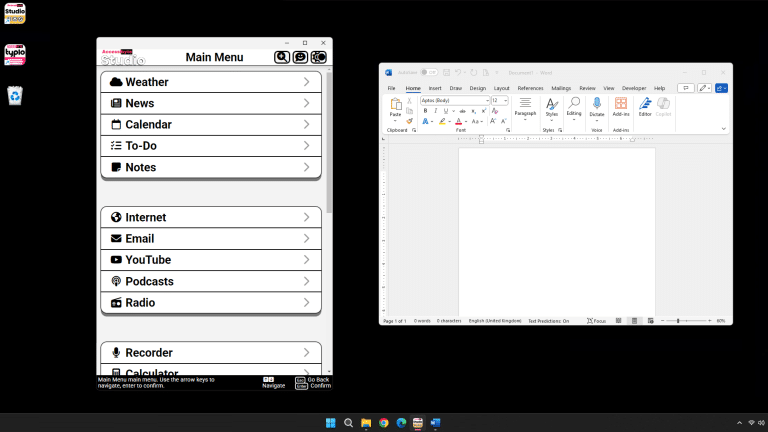
Reliable Technology Tool
A companion app that seamlessly integrates with your existing software workflow.
Empowering Everyone
Whether you’re a student, professional, educator, or anyone seeking a distraction-free environment, our platform is built for you.
-
Built for all ages—from early achievers to lifelong learners.
-
Effective on its own, it also lays a strong foundation for learning additional assistive technologies.
- An Ideal solution for schools, training centers, home users and anyone who values an accessible and intuitive digital environment.
- Continually updated with new features to meet your needs.
-
Join a diverse community of users—from students to seasoned professionals—who enjoy the power and simplicity of Accessibyte Studio.
-
Discover how every task can be simpler, more engaging and fully accessible.
What It Does
Accessibyte Studio streamlines a vast array of everyday tasks into one easy-to-use application. Each module is designed with accessibility in mind, ensuring that whether you’re new to computers or an advanced user, you have the tools you need at your fingertips.
Key Features & Useful Guides
Intuitive by design and fully supported with clear, step-by-step guides available both online and right inside the app.
-
Notes
Provides a simple, distraction-free space to capture your thoughts, ideas and reminders. -
Internet
A simplified web browser that uses text-to-speech and key-based navigation for seamless online access.
-
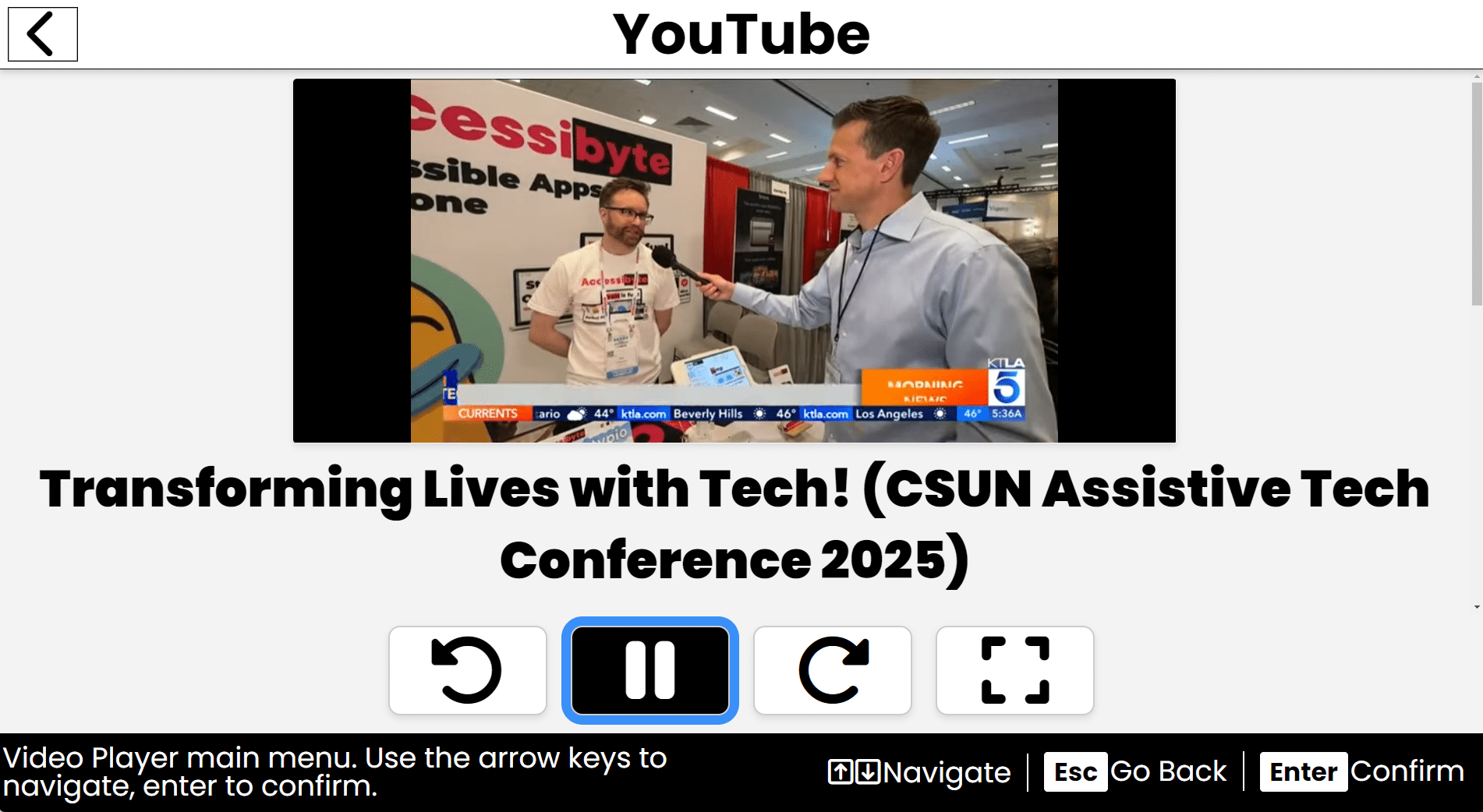
YouTube
Easily search and watch videos with intuitive navigation and simple controls.
-
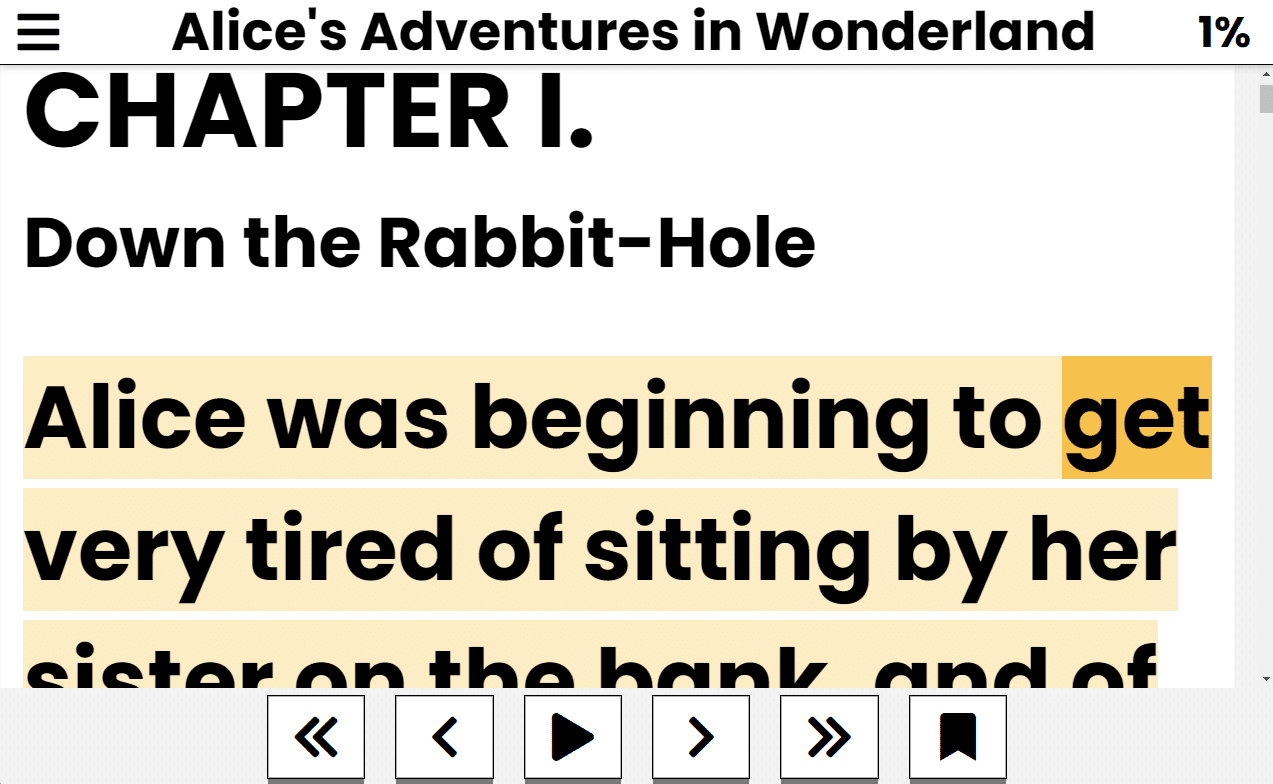
Books
Read and manage your digital books, providing a convenient way to access your favorite literature
-
Email*
Offers essential email functions including reading, composing, replying, and managing attachments. -
Podcasts
Enables you to subscribe to, browse, and listen to your favorite podcasts effortlessly. -
Weather
Provides current and forecasted weather information tailored to your location. -
News
Aggregates headlines and articles from multiple sources for quick, accessible news updates. -
Audio Recorder
Allows you to record, save and playback audio notes or memos with ease. -
Calendar*
Displays your calendar events and birthdays in an easy-to-read list with options to add or modify entries. -
To-Do
Lets you create and manage a simple list of tasks, marking items complete as you progress. -
Calculator
An essential tool for performing everyday arithmetic calculations. -
Dictionary
Provides useful word lookup and definitions to bolster vocabulary. -
Encyclopedia/Wikipedia
Offers streamlined access to Wikipedia articles in a simplified, accessible format. -
Manuals
Presents read-only help documents and user-created manuals for guidance. -
Documents*
A powerful word processor for creating, editing and managing text documents with formatting and spellcheck. -
Scanning*
Uses OCR technology to convert scanned images and text into editable digital content. -
Contacts
Manages your contact information with simple options to add, edit or delete entries. -
Files
Provides an intuitive file management system to browse, open and organize your documents and media. -
Help
Contains detailed help files and step-by-step instructions for every module, ensuring ease of use. -
Settings
Centralizes user preferences and accessibility options for a personalized experience. -
Localizations
Easily switch the interface between US English, UK English, French and Spanish languages.
-
More
Accessibyte Studio is continually updated with new features and will notify you when it’s time to update.
*Some features coming soon. All updates and new features added during your license term are free.